
Anime Couple PFP
Two profiles, one shared look. Browse original anime couple PFP pairs with coordinated colors, complementary portraits, and a style you can make your own.
Create matching couple PFPsAnime couple PFP pairs
Original AI-generated matching pairs. Open either portrait to save it for one partner, and use the other for their match.
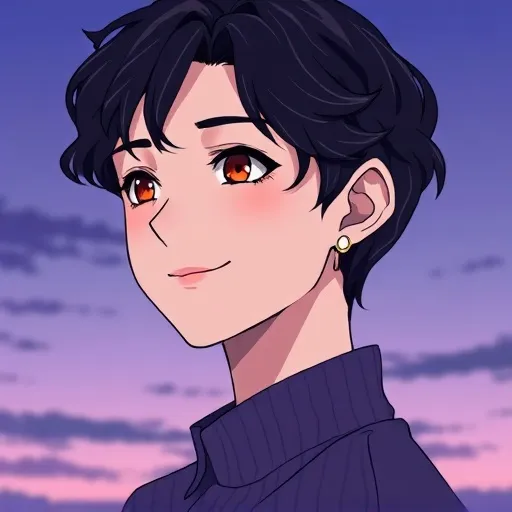
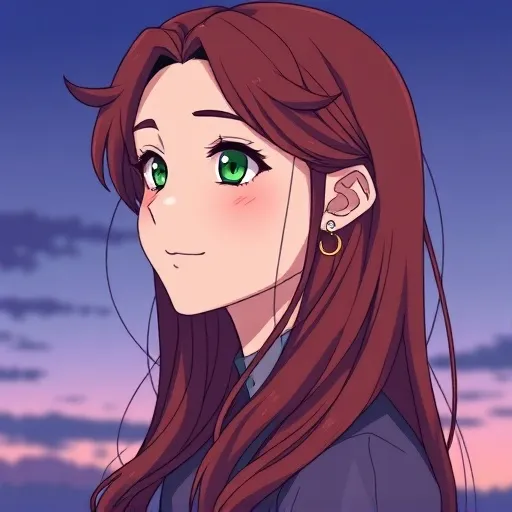
aesthetic couple pair
Generate a matching pair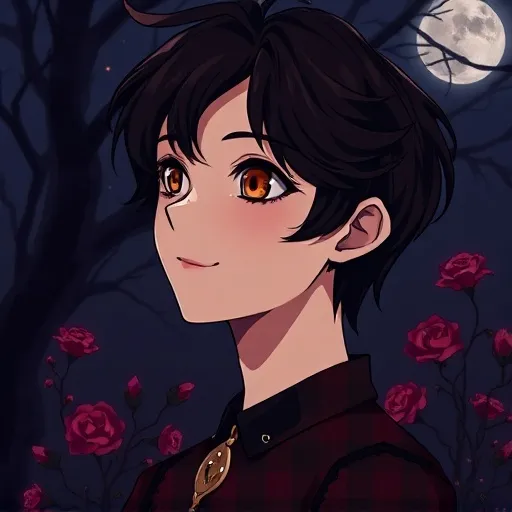
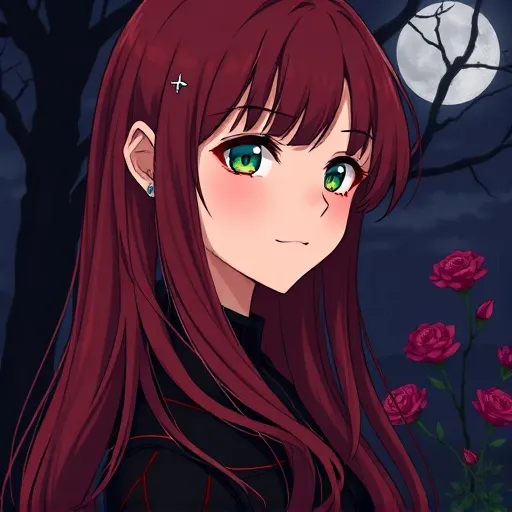
dark couple pair
Generate a matching pair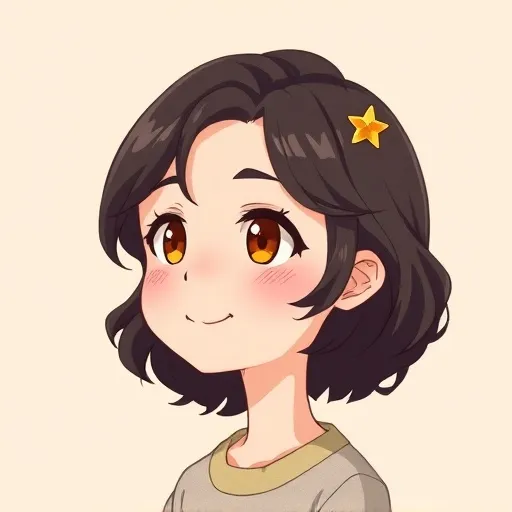
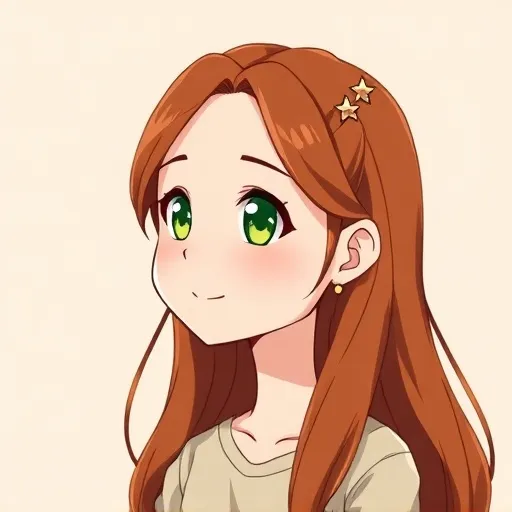
chibi couple pair
Generate a matching pair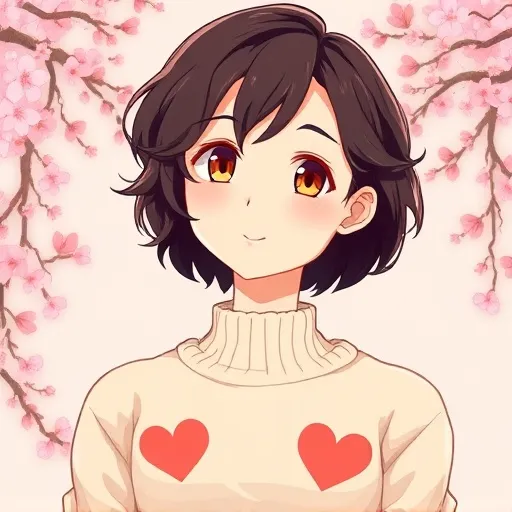
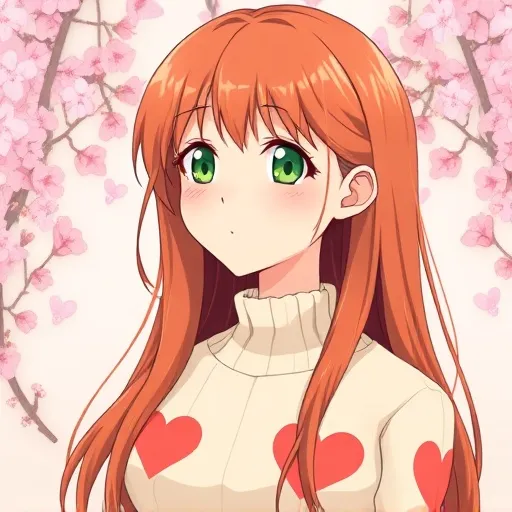
cute couple pair
Generate a matching pair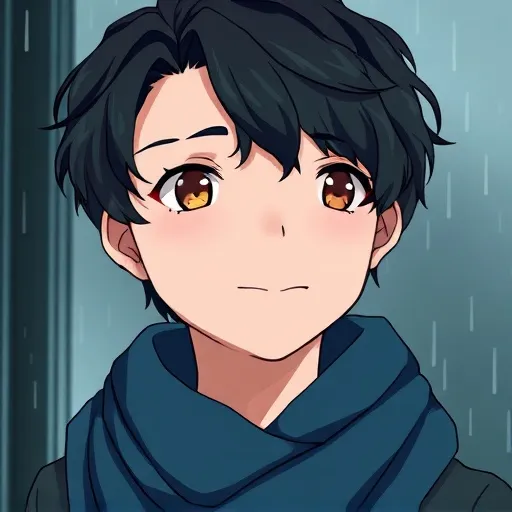
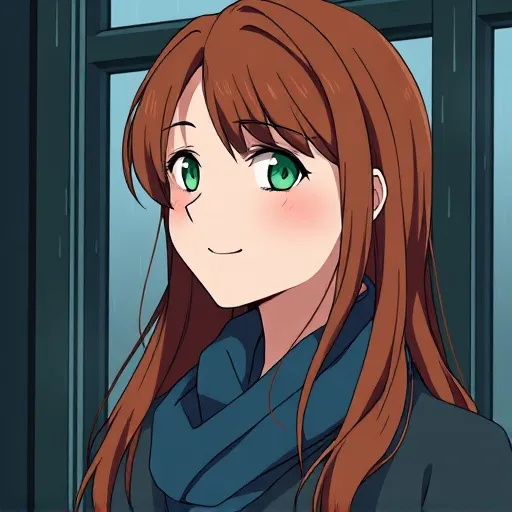
moody couple pair
Generate a matching pair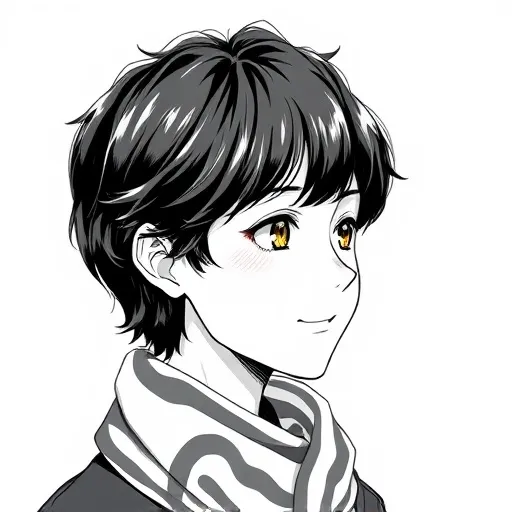
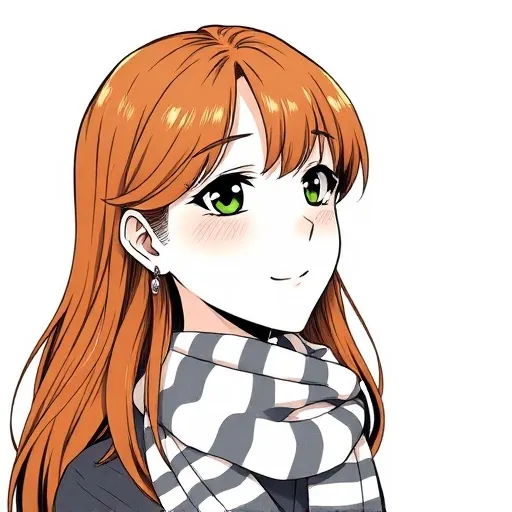
manga couple pair
Generate a matching pair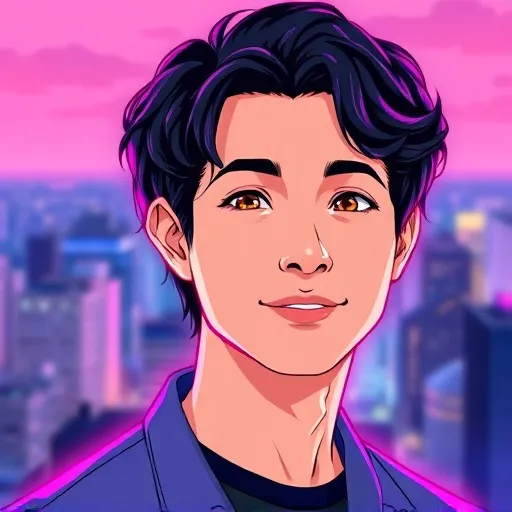
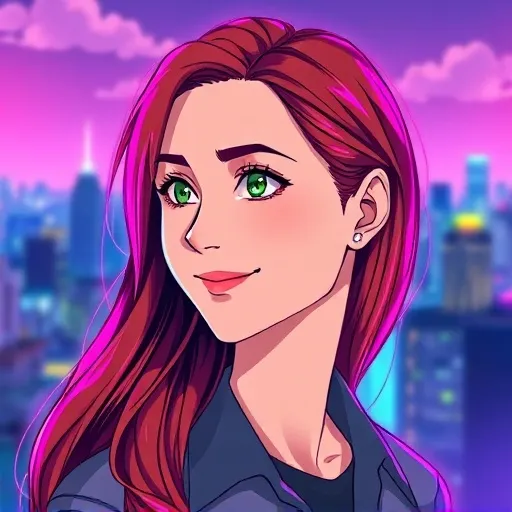
neon couple pair
Generate a matching pair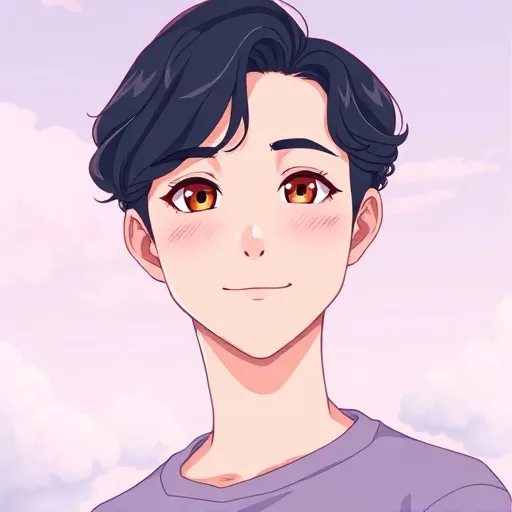
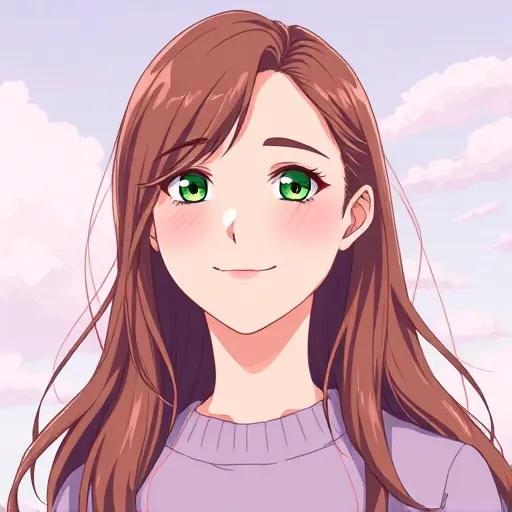
pastel couple pair
Generate a matching pair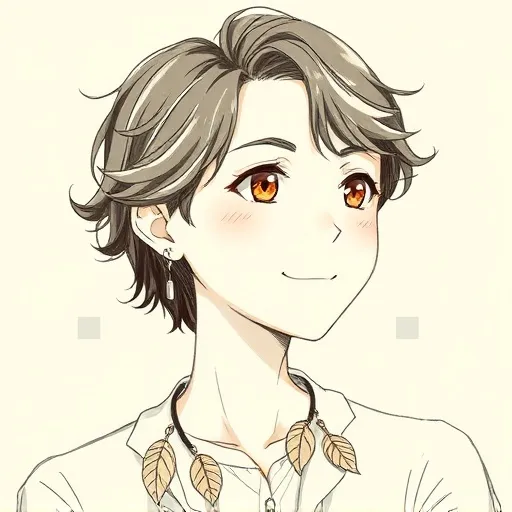
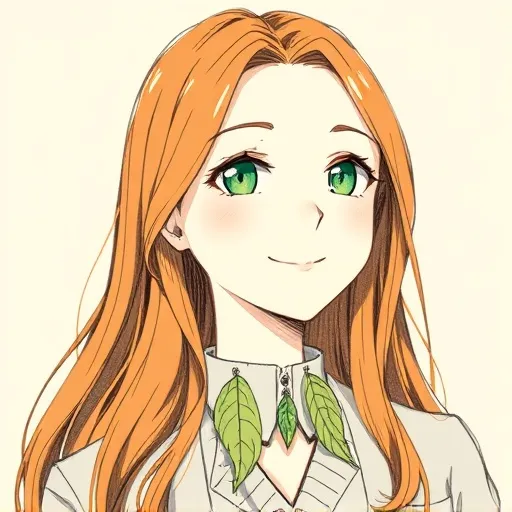
sketch couple pair
Generate a matching pair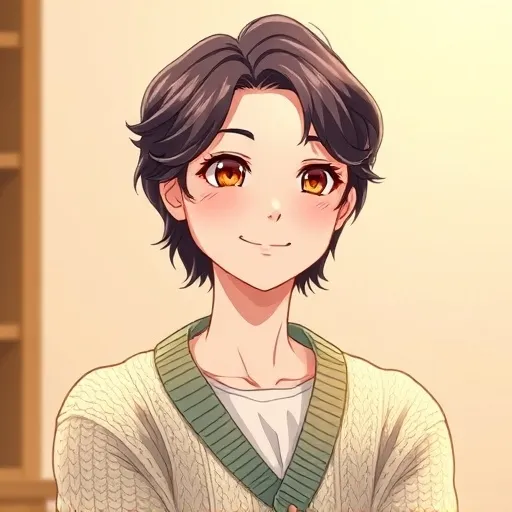
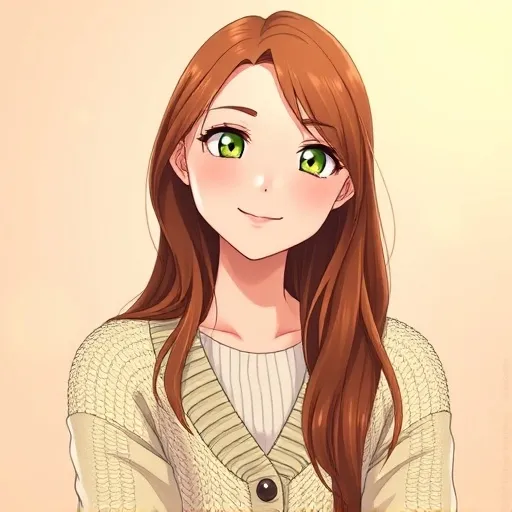
soft couple pair
Generate a matching pair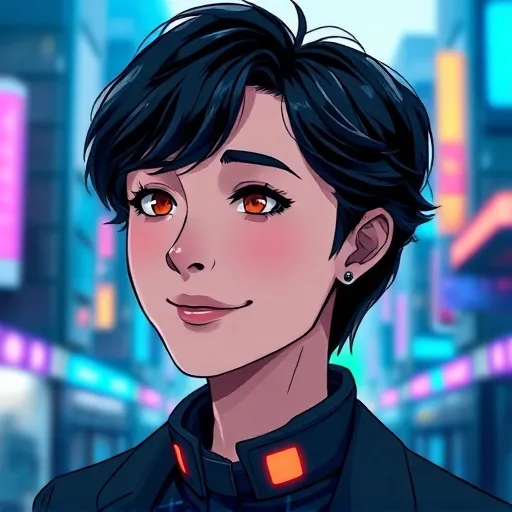
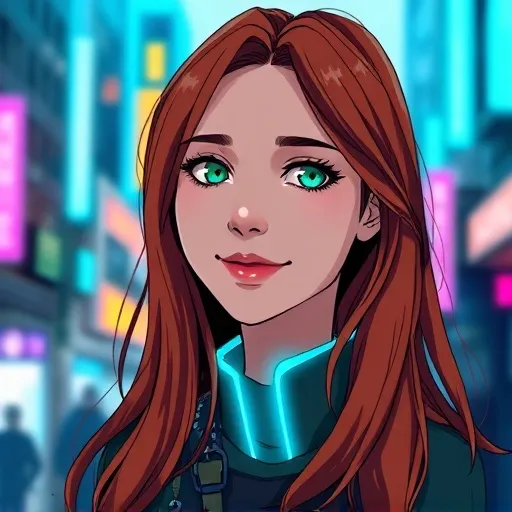
cyberpunk couple pair
Generate a matching pair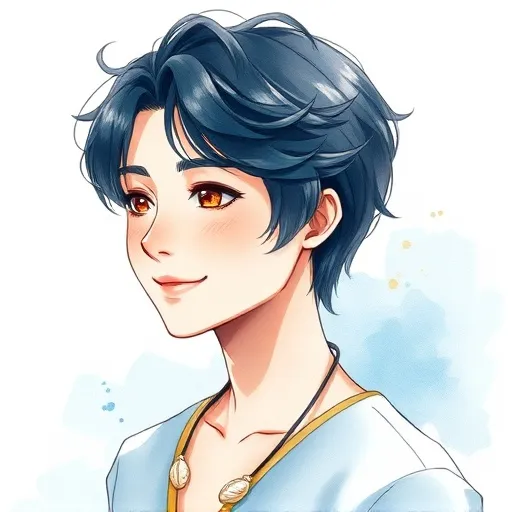
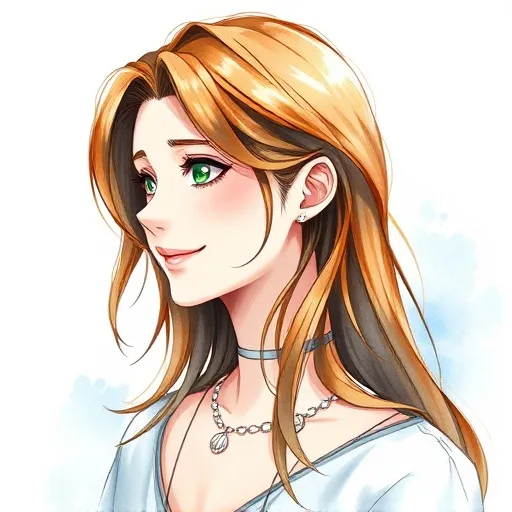
watercolor couple pair
Generate a matching pairCouple PFP Ideas
Start with something you share: a favorite color, a moon-and-stars theme, or the mood of a memorable date. Try a soft pastel couple for a gentle look, dark matching portraits for quiet intensity, or chibi partners with coordinated accessories.
Matching Couple PFPs
Give both portraits the same palette, lighting, and head size. Mirrored poses make the two avatars face each other when placed side by side. Keep each partner’s hair, expression, and favorite accessory distinct so the pair feels personal.
Couple Profile Pictures
Choose one portrait for each partner’s account and preview the two together at a small size. Keep faces away from the edges so circular crops preserve their expressions. Save both square pictures with the same dimensions for a balanced couple set.
How to make a matching pair
- Describe person A: include their hair, expression, and outfit, then choose a shared palette, background, and anime style. Generate the first portrait.
- Reuse the same style prompt for person B, swapping only the subject details. Keep the style selection, colors, lighting, and framing consistent, then generate the second portrait.
- Crop both portraits to 1:1. Download each as a 512 × 512 or 1024 × 1024 square and preview them side by side before updating your profiles.
Anime couple PFP FAQ
What size should a couple pfp be?
Use two square images of the same size. This maker offers 512 × 512 and 1024 × 1024 square downloads. Keep each face centered with room around the hair so it also fits a circular profile crop.
Can I make matching anime pfps for free?
You can browse and save the AI-generated example pairs here for free. Creating custom portraits in the maker uses account credits, including any free credits available on your account. Generate each partner separately; a custom pair requires two generations.
Do both pictures need the same style?
A shared style makes a couple pair easier to recognize. Reuse the same style selection, palette, background, and lighting for both portraits, changing only the person’s details. Separate AI generations can still vary, so compare the results together.
Can I use my own photo?
Yes. The maker has an optional photo upload for turning a face into an anime avatar. Use one partner’s photo for the first portrait, replace it with the other partner’s photo for the second, and keep the same style prompt. Photo-based generation uses account credits too.